
Changelog

Follow new updates and improvements to Reintersect.

Mobile support. Select text and a formatting menu appears. And the keyboard shortcuts you'd expect just exist.
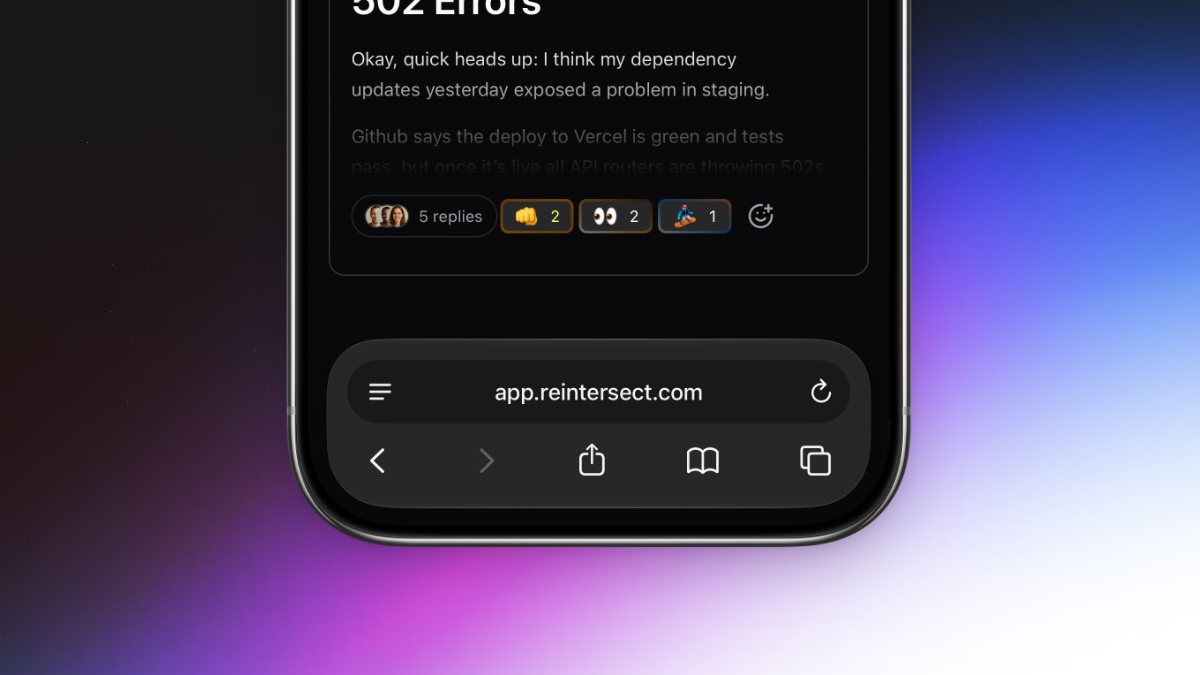
Two big things this week. The app finally responds to phones the way you'd want a phone app to respond. And selecting text anywhere in the app shows a real formatting toolbar with the headings, lists, and link controls you've been asking for.

Reintersect, on your phone.

One of the most long-awaited features is finally here. Reintersect will now adjust itself to your screen size and work on your phone. Talk to your team anywhere using the experience you already know and love.

Beautiful formatting that earns its name.

Select text in any composer - conversation, reply, DM - and a bubble menu appears with:

  • Headings (H1-H3) in a dropdown.

  • Lists (bulleted, numbered, task) in another dropdown.

  • Bold, italic, strikethrough, underline.

  • Link, blockquote, inline code, code block, clear formatting.

Keyboard-navigable with arrows, Home, and End. Hidden inside code blocks or when the entire selection is already a link.

Selecting a link opens an inline URL input that autosaves as you type, opens the link in a new tab, or clears it. Enter commits; Escape cancels.

Keyboard shortcuts that fit your muscle memory.

  • Cmd/Ctrl+K adds a link to the current selection.

  • Cmd/Ctrl+B no longer hides the sidebar - it just bolds text in the editor, like it should.

  • Escape collapses any text selection back to a single caret.

  • Shift+N opens the composer from anywhere.

  • Alt+N toggles it.

  • Cmd/Ctrl+Enter submits, in every editor.

Everything you need quickly gets fetched when you open the app.

All circles and people in your sidebar are now prefetched in a single global pass as soon as the app boots, instead of per-hover. The app feels noticeably faster.

A few small tweaks.

  • Suggestion popovers for emoji and slash commands reposition more accurately.

  • Images dropped the drag-to-resize handles and the click-to-zoom modal; images render at natural dimensions bounded by the container to prevent conversations created on mobile from taking up the entire screen on a desktop.
NewImprovedFixed

A quick link to the roadmap, an in-app changelog, and Intercom that reliably loads.

Most of this week was about making the app’s edges less sharp and more honest about themselves.

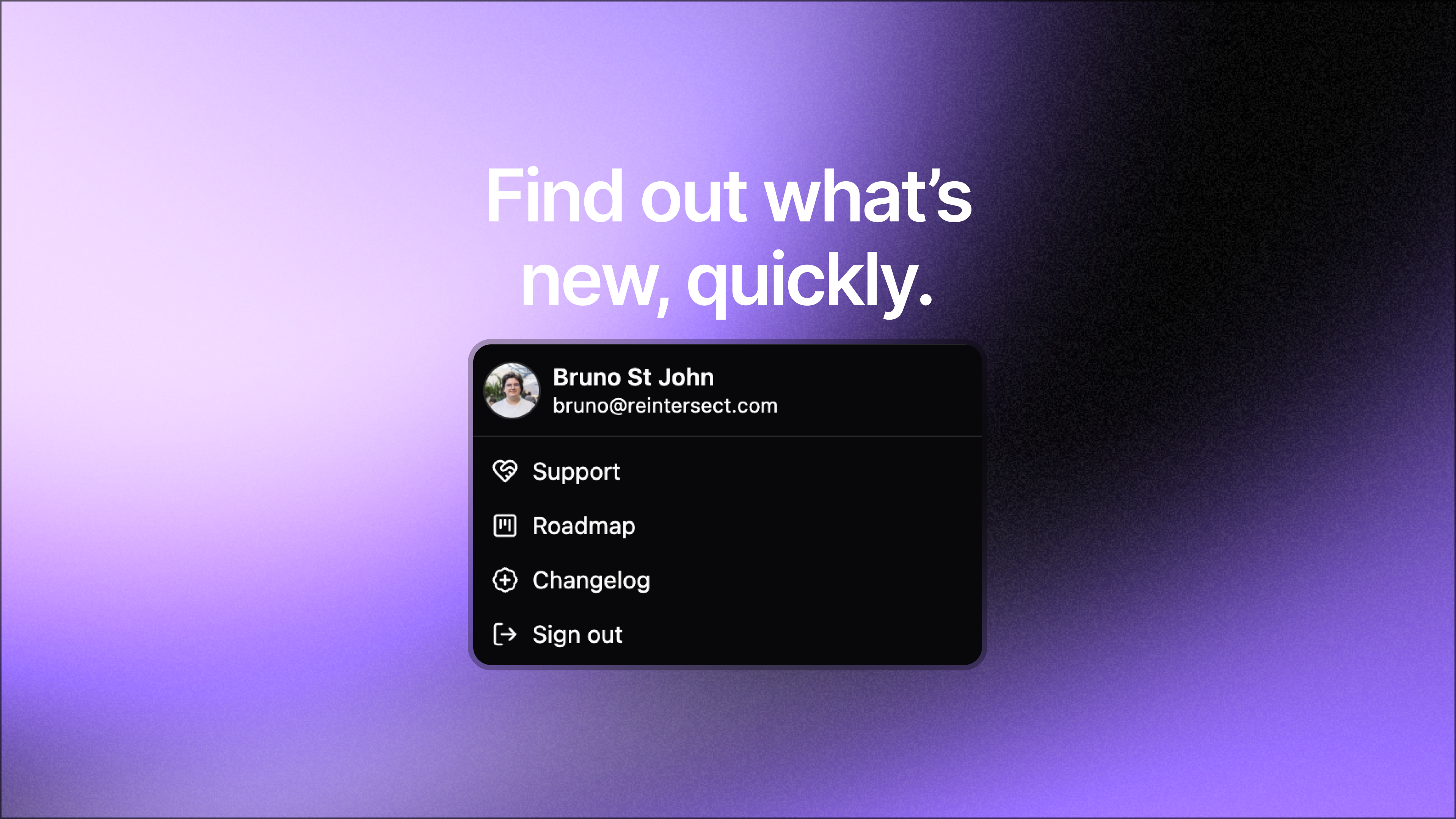
Roadmap and changelog, in the account menu.

Open the sidebar account menu and there are two new items: Roadmap, which opens the public roadmap in a new tab, and Changelog, which pops a dark-themed changelog widget over the dashboard so you can see what shipped without leaving the app.

A support widget that reliably loads.

Intercom used to load through a web-worker proxy that was, charitably, finicky. The Support launcher would sometimes refuse to open, unread badges would lag, and showing/hiding from the sidebar would silently fail. Intercom now runs on the main thread like a normal embed and behaves like one.

Prefetches that stay warm longer.

The app will now keep prefetched data for 10 minutes by default. If you close your tab by accident, it’ll reopen instantly.

NewImprovedFixed

Edits with an (edited) tag and the exact time. Avatars that don't flicker.

Edit your own conversations and replies.

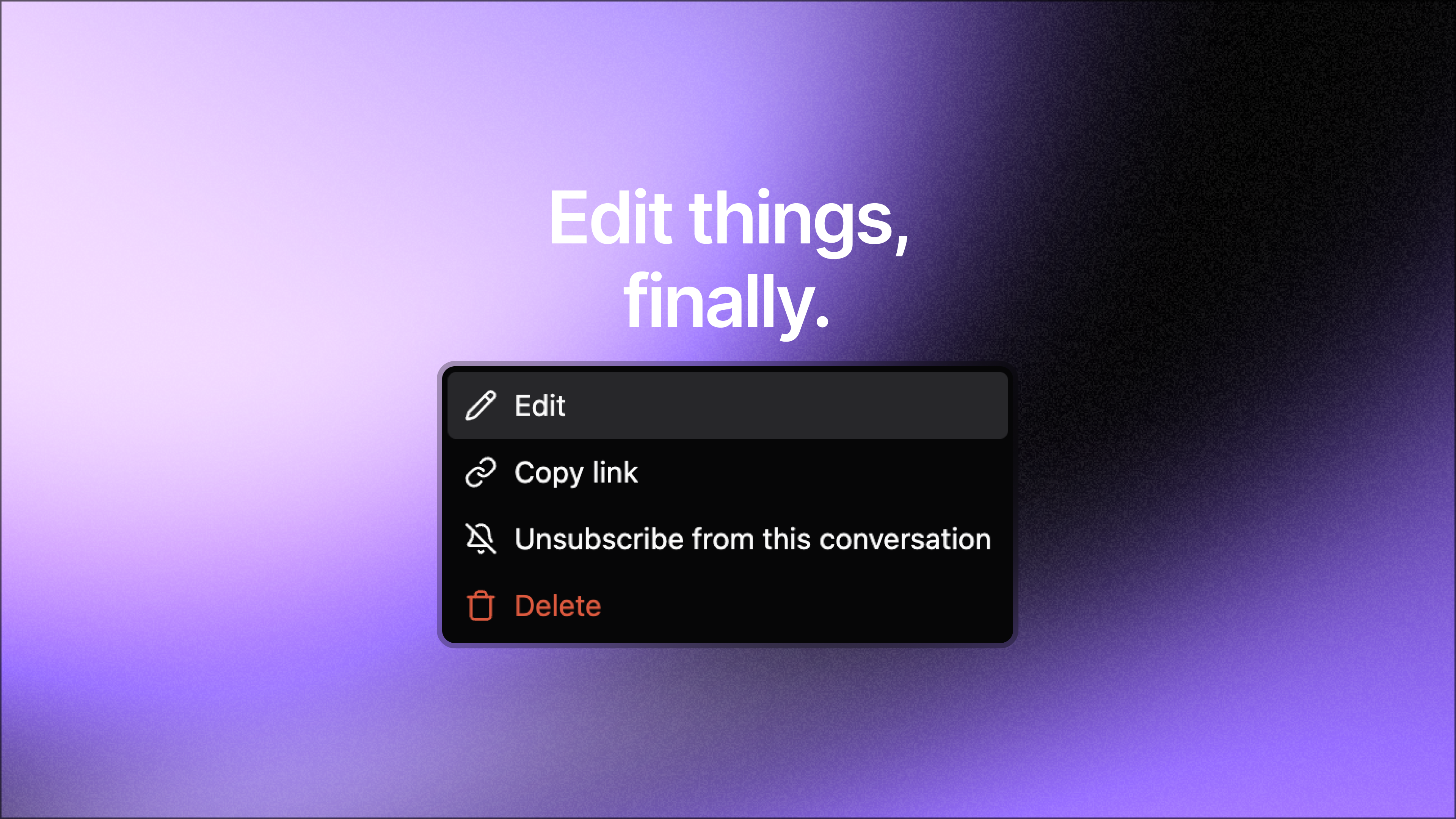
Two things land that you’ve been asking for. You can edit conversations. You can edit replies. And the change is visible to everyone with a small (edited) tag that, on hover, shows you exactly when it happened.

Edit your own conversations.

Open the action dropdown on a post you wrote and pick Edit. The title and body collapse into an inline editor with Cancel and Save. Cmd/Ctrl+Enter saves. Escape cancels. If you navigate away mid-edit, your draft survives.

After saving, an (edited) tooltip sits next to the original timestamp, with the exact edit time on hover.

Edit your own replies and sub-replies.

The same thing works on replies - both top-level and in threads. Hover a reply you authored to surface a pencil button next to the existing reply/react actions. Click it, edit the body, save. (edited) appears with the timestamp.

Search that keeps up.

Edits don't lag. The post search index re-pulls the post with your changes (title, body, plain-text, markdown) so the next search finds the latest words.

Avatars that don’t flicker.

User and workspace avatars now hold a skeleton briefly while the image loads, then crossfade into the image (or the generated face / initials fallback). The 1-frame flash of face and the 1-frame placeholder flash in the workspace picker - both gone. The ring border only renders when the image is loaded or the fallback shows.

Tucked into the same release.

  • The main conversation page now shows the author's subtitle (role/title) under their name when they have one.

  • Empty content in conversations, replies, and DMs is rejected at the API boundary instead of failing later in strange ways.

  • Synced queries materialize their initial view eagerly, so the 1-frame loading flash on first mount of a page or component is gone.

NewImprovedFixed

Earlier updates