Changelog

Follow new updates and improvements to Reintersect.

The desktop app feels more native. And the emoji picker got faster.
A smaller release this week, focused on smoothing out the places where Reintersect was starting to feel a little rough while we work on an iOS app and mention support.

The desktop app feels more like a desktop app.

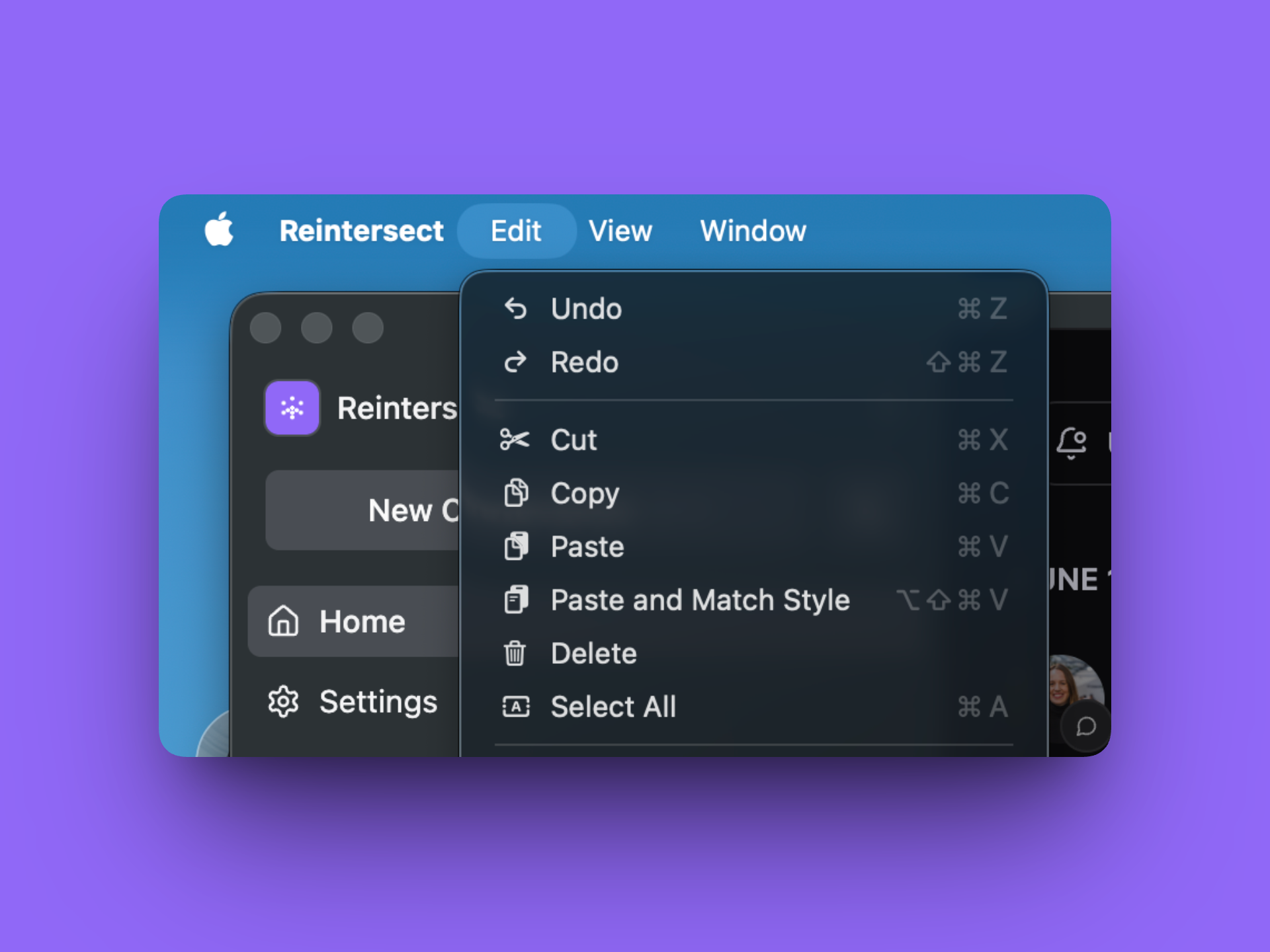
The desktop app now has a proper native application menu, including the expected Edit, View, and Window menus. So things like copy, paste, zoom, and window controls actually work now.

Whoops!

Window dragging is cleaner too. We replaced a bunch of scattered draggable areas with one consistent titlebar drag strip, so the app behaves more predictably when you move the window around.

The emoji picker got faster.

The emoji picker now uses virtual scrolling, which means it only renders the emoji you’re actually looking at instead of loading every emoji in the universe.

Opening it, scrolling through it, and searching should feel smoother.

A few small fixes.

  • Avatar initials no longer get accidentally selected like text.

  • The desktop sidebar is a little tighter.

  • Local mobile testing is easier for us now, which should help us catch mobile issues sooner.
Improved

There's a desktop app now. Search, notifications, and editor rendering got a few “please stop being weird” fixes.

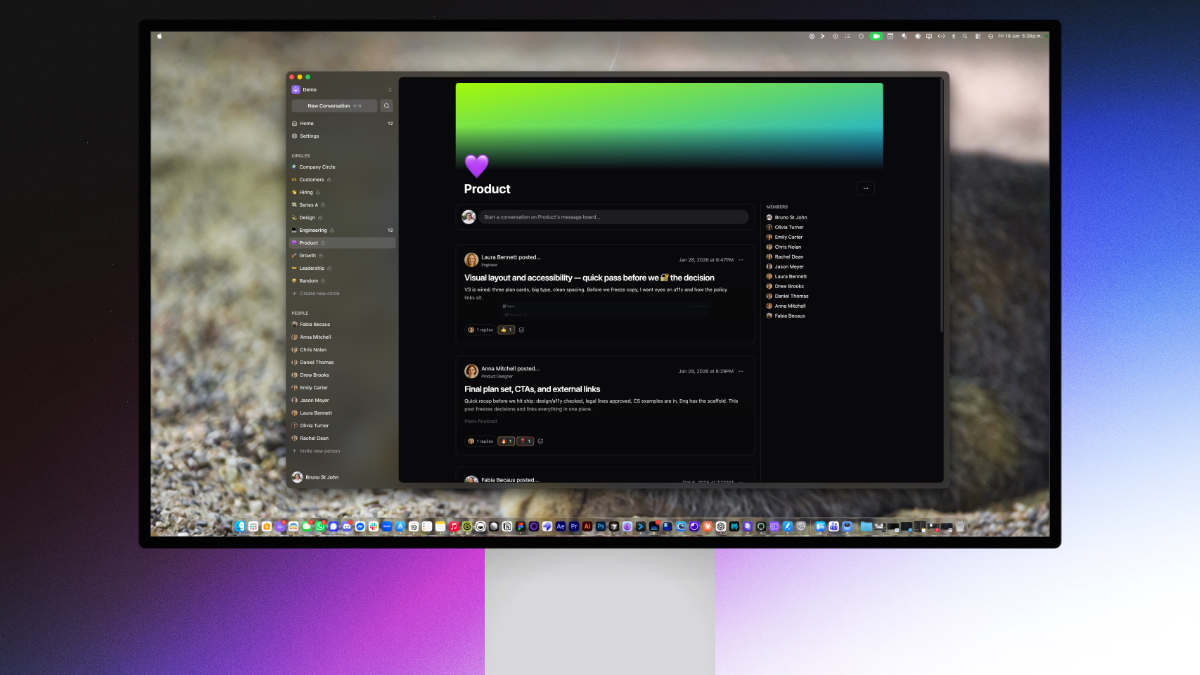
Finally, a desktop app.

We have started selectively rolling out a desktop app to members of the Cartographer programme. We’re really excited for you to try it out!

Search got a few fixes around how requests are built, filtered, and displayed.

  • When switching between search filters, the app should behave more predictably.

  • The “No results found” empty state now waits until loading is actually finished.

  • Valid search results will no longer be sometimes filtered out.

Notifications now group by real calendar days.

The notifications list had a subtle date grouping bug: it compared day-of-month values instead of full dates. That meant notifications from June 3rd and July 3rd could be treated like the same day.

More predictable emojis.

Sometimes, emojis would be hidden in notifications and a few other places. This will no longer happen.

Improved

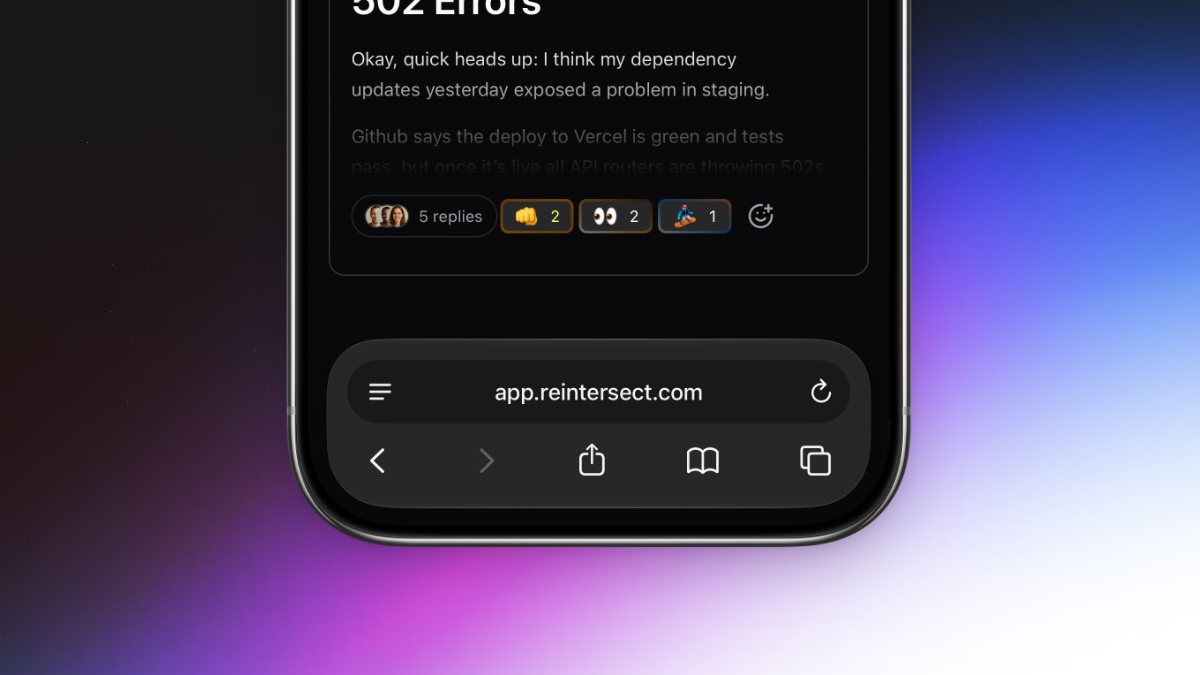
Mobile support. Select text and a formatting menu appears. And the keyboard shortcuts you'd expect just exist.

Two big things this week. The app finally responds to phones the way you'd want a phone app to respond. And selecting text anywhere in the app shows a real formatting toolbar with the headings, lists, and link controls you've been asking for.

Reintersect, on your phone.

One of the most long-awaited features is finally here. Reintersect will now adjust itself to your screen size and work on your phone. Talk to your team anywhere using the experience you already know and love.

Beautiful formatting that earns its name.

Select text in any composer - conversation, reply, DM - and a bubble menu appears with:

  • Headings (H1-H3) in a dropdown.

  • Lists (bulleted, numbered, task) in another dropdown.

  • Bold, italic, strikethrough, underline.

  • Link, blockquote, inline code, code block, clear formatting.

Keyboard-navigable with arrows, Home, and End. Hidden inside code blocks or when the entire selection is already a link.

Selecting a link opens an inline URL input that autosaves as you type, opens the link in a new tab, or clears it. Enter commits; Escape cancels.

Keyboard shortcuts that fit your muscle memory.

  • Cmd/Ctrl+K adds a link to the current selection.

  • Cmd/Ctrl+B no longer hides the sidebar - it just bolds text in the editor, like it should.

  • Escape collapses any text selection back to a single caret.

  • Shift+N opens the composer from anywhere.

  • Alt+N toggles it.

  • Cmd/Ctrl+Enter submits, in every editor.

Everything you need quickly gets fetched when you open the app.

All circles and people in your sidebar are now prefetched in a single global pass as soon as the app boots, instead of per-hover. The app feels noticeably faster.

A few small tweaks.

  • Suggestion popovers for emoji and slash commands reposition more accurately.

  • Images dropped the drag-to-resize handles and the click-to-zoom modal; images render at natural dimensions bounded by the container to prevent conversations created on mobile from taking up the entire screen on a desktop.

NewImprovedFixed

Earlier updates