Composer drafts that come back when you do. More consistent context menus.
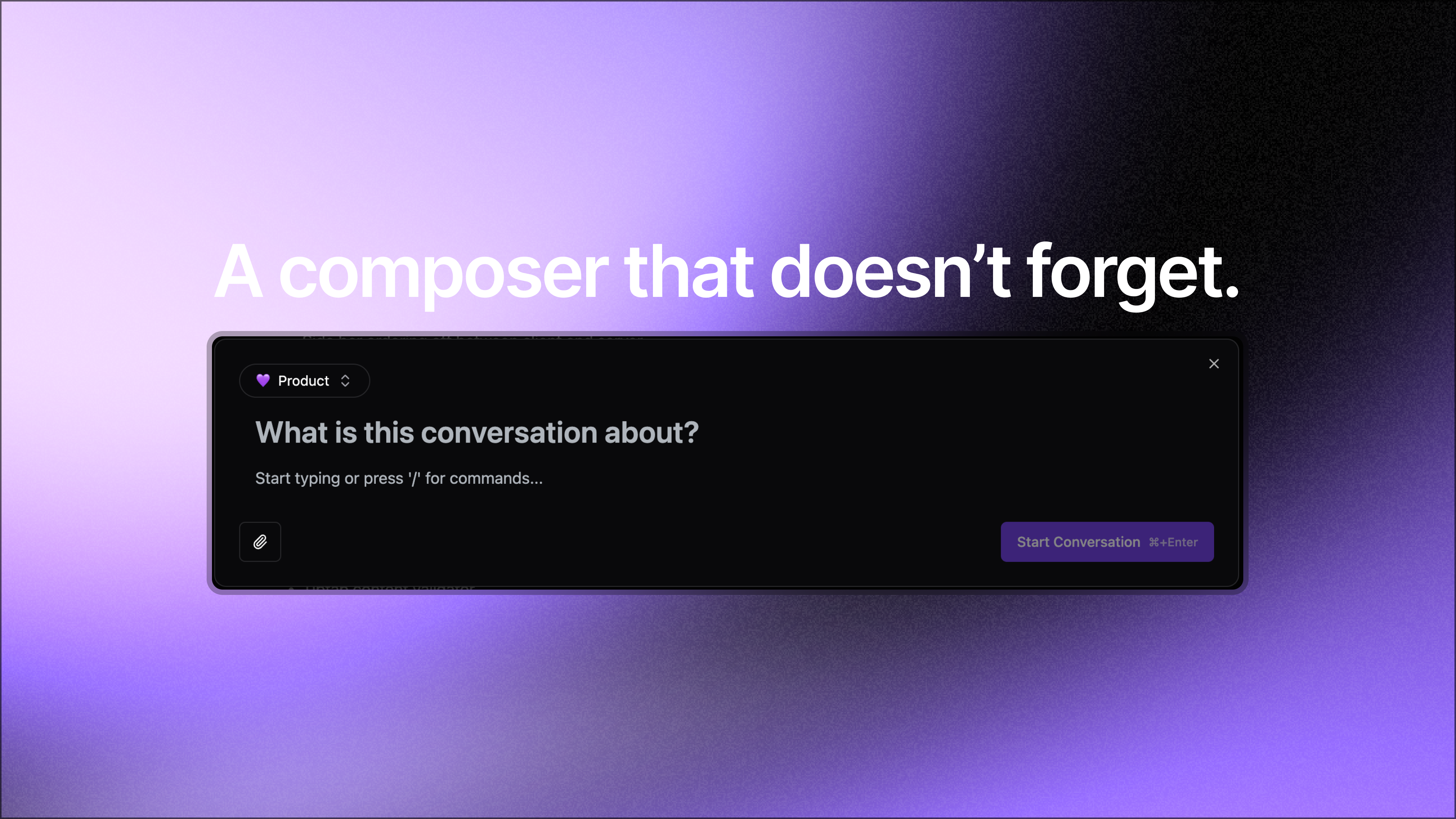
Drafts, right-click menus, and a real front door.
Three good additions land this week. The composer stops eating your drafts when you close it. Every conversation gets a real context menu with copy-link and subscribe. And signing up actually works, with access gated by our waitlist.
Composer drafts that don’t disappear.
Open the composer, pick a circle, type a title and a paragraph, close it, and reopen later. Everything’s still there: the selected circle, the title, the body. Drafts are saved locally per workspace and per member, and they only clear after the server confirms your conversation was created. Crash mid-write, pick a different page, close the tab - your draft survives.
Right-click on any conversation.
Every conversation, both in the circle view and full view, now has a context-and-overflow menu with:
Copy link to the conversation.
Subscribe/unsubscribe so the replies can ping you (or stop).
Delete, if you wrote it.
The menu opens for everyone; the actions just hide based on what you’re allowed to do. The same menu lives behind the overflow button in the full conversation view, so muscle memory works in both places.
Quieter improvements.
Sub-reply placement is tidier so you can reply directly from a sub-reply.
Invite emails stopped looking weird in Gmail’s dark mode.