An MCP server. Plus a stack of fixes that finally make signing in, checkout, and signing out feel right.
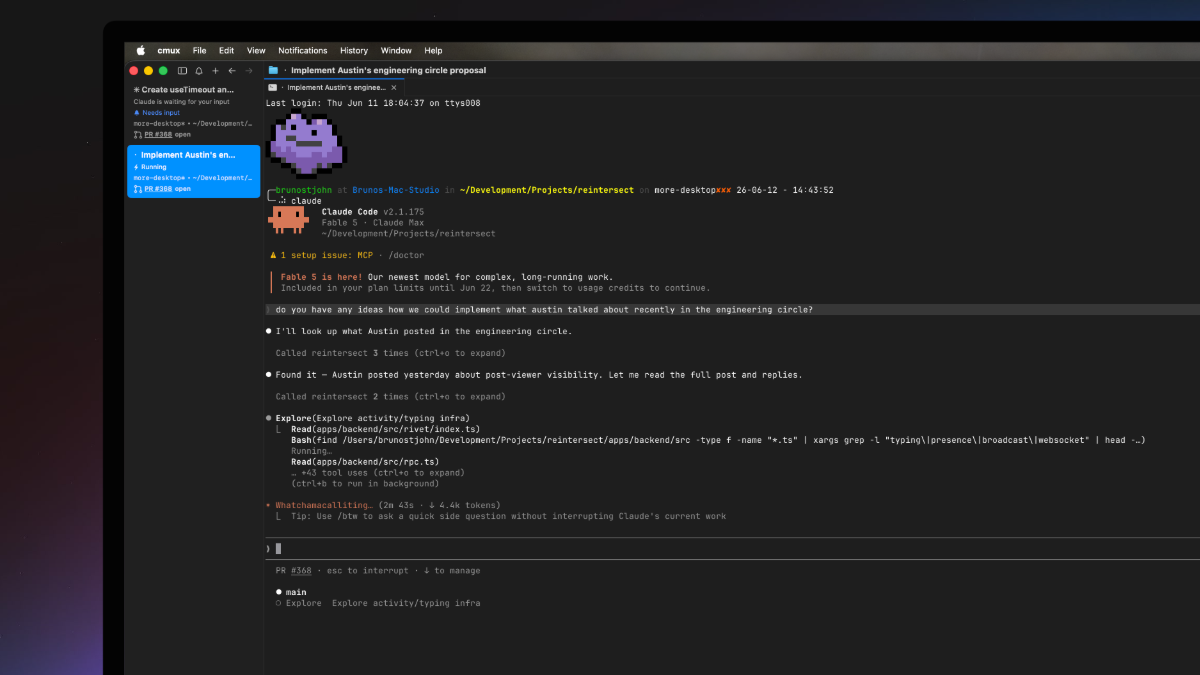
Reintersect, where your agents can find it.
The biggest thing this week is something most of you won't see in the dashboard at all. We shipped the Reintersect MCP server - tools your AI agents can call, each backed by a real interactive widget. The smallest things this week are also some of the most welcome: a checkout that unlocks paid features immediately, invite acceptance that no longer crashes, and sign-out that signs you out cleanly.
For your agents.
Plug Reintersect into any MCP-aware client (Claude Desktop, Cursor, anything else that speaks the protocol) and your agent will be able to use & reference what’s happening in your workspace as you work with it. Our tools ship with interactive widgets that render in your agent chat and a “View in app” link that takes you right back to the app.
We believe agents should follow people, not the other way around. This is where that begins.
Subscriptions that unlock immediately.
Complete a Stripe checkout and paid features unlock right away instead of making you refresh the page or wait 5 minutes.
Invites that accept cleanly.
Invite acceptance had a subtle bug: it was looking up the wrong user when fetching the freshly-accepted member, which crashed for some invitations.
Better arrow-key navigation in the composer.
In the conversation composer, you can now move between circle picker → title → body with just the arrow keys.
↑ or ← at the start of the title pops focus back to the circle picker.
↓ at the end of the title (or Enter) drops focus into the body.
↑ at the start of the body jumps back to the end of the title.
Cmd/Ctrl+Enter still submits, like always.
Sign out, all the way.
Sign out will now wait for our sync engine’s WebSocket to close before dropping its synced databases. Background sync will no longer continue running for a few seconds after signed out and no errors should appear.
Smaller frictions, removed.
Workspace avatars without a logo now show initials on a stable per-workspace color, on every auth screen (login, pick-org, no-subscription, join-workspace), the sidebar header, and the org-picker dialog.
The waitlist is case-insensitive end-to-end.
Foo@Bar.comandfoo@bar.comresolve to the same entry.The Reintersect logo on auth pages stopped being a link to
/, which used to dump you out of your session mid-onboarding.